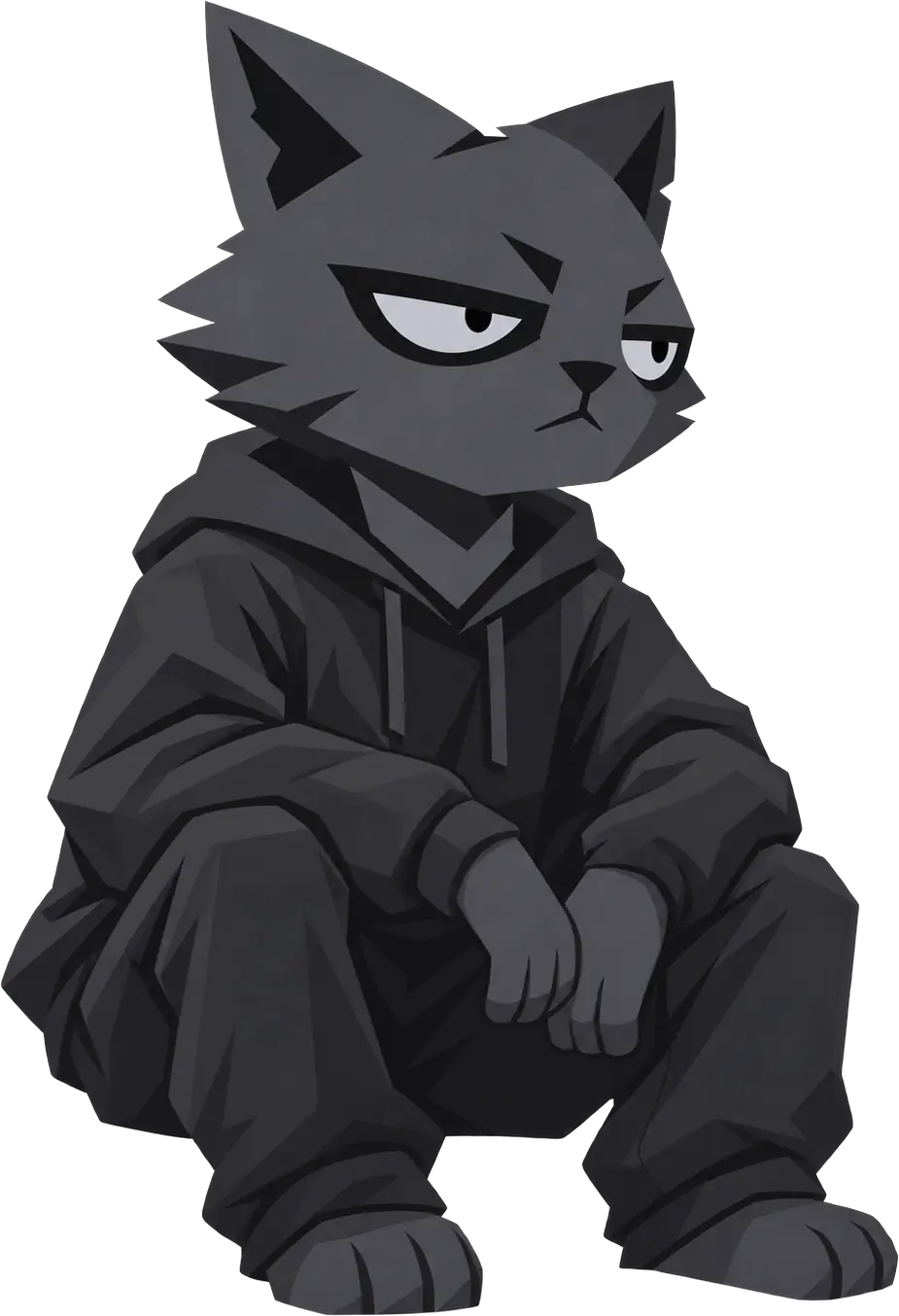
Glow
Soft light around the edges.
Video 8 MB · Image 3 MB

Slow, dark loops for behind your stream. Free.
Soft light around the edges.
Video 8 MB · Image 3 MB
Slow rolling bands.
Video 12 MB · Image 3 MB
A fine grid catching the light.
Video 5 MB · Image 2 MB
Keep the background at the bottom of your Sources list. OBS doesn’t need to log in, and the link holds nothing about you.
Showing a Bonus Hunt too? Stream Overlay →